
Repair Tools & Download Center
 Repair Tools
Hex Editor v6.8 Free Download for Windows (BIOS & BIN File Editor)
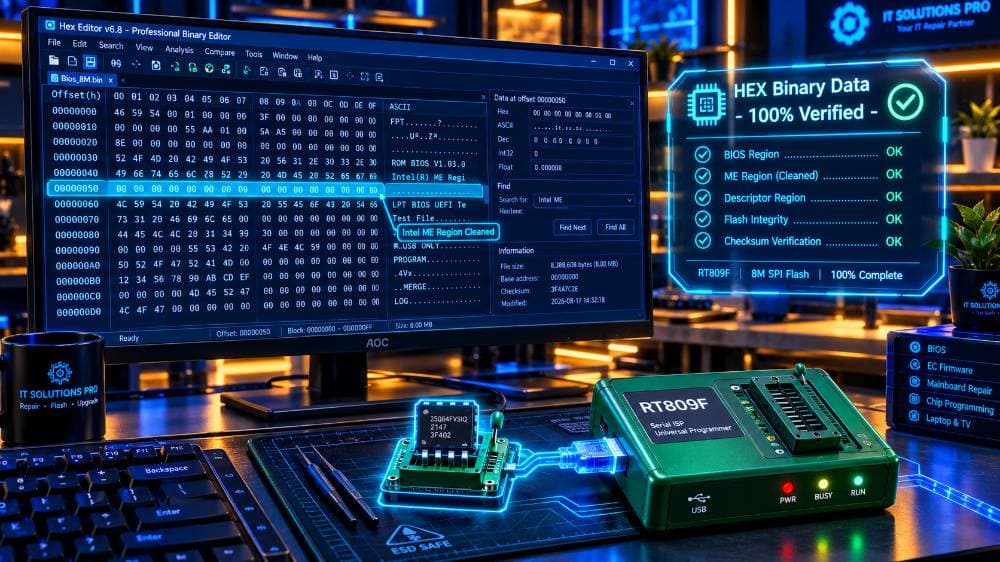
Are you looking for a powerful binary file editing tool for BIOS chip programming and firmware modification? **Hex Editor v6.8** is an essential utility used by laptop repair technicians, automotive ECU tuners, and firmware developers to inspect and edit raw hexadecimal data. When repairing laptop motherboards, technicians frequently need to modify BIOS binary dumps (`.bin` or `.rom` files) to clear **Intel ME (Management Engine) / TXE regions**, repair corrupted DMI information, patch passwords, or insert serial numbers and MAC addresses. Hex Editor v6.8 makes viewing and replacing hex strings fast and accurate. Download the 100% clean, verified **Hex Editor v6.8 full setup zip file** for Windows 7, 8, 10, and Windows 11 (32-bit & 64-bit). --- ### Key Features of Hex Editor v6.8: * **Raw Binary File Editing:** Open and edit large `.bin`, `.rom`, `.hex`, `.eep`, and `.img` files without memory lag. * **Dual Display Mode:** View Hexadecimal values and corresponding ASCII text strings side-by-side. * **Intel ME Region Cleaning:** Easily locate ME/TXE header offsets (`$FPT`, `$MN2`, `$NSET`) to clean corrupted Intel ME regions. * **Fast Hex Search & Replace:** Search for specific offset addresses, serial numbers, UUIDs, or hex code blocks in seconds. * **File Comparison (Diff Tool):** Compare two BIOS BIN files side-by-side to highlight modified offsets or checksum changes. * **Checksum Calculator:** Built-in calculation for CRC32, MD5, SHA-1, and SHA-256 binary integrity verification. --- ### Common Uses in Motherboard & Electronics Repair: * **Laptop BIOS Repair:** Cleaning Intel ME/TXE regions to fix 30-second shutdown or late display issues. * **DMI Information Insertion:** Injecting Windows product keys, Serial Numbers, and System Model numbers into blank BIOS dumps. * **Automotive ECU Tuning:** Editing Eeprom binary dumps for mileage correction, immobilizer bypass, and ECU remapping. * **TV Firmware Patching:** Fixing bootloop issues by editing corrupted SPI Flash EEPROM dumps. --- ### How to Use Hex Editor v6.8 for BIOS Editing: 1. Download and extract the **Hex Editor v6.8 setup zip file** below. 2. Run the installer and open **Hex Editor v6.8**. 3. Click **File -> Open** (or press Ctrl + O) and select your `.bin` or `.rom` BIOS file. 4. Press **Ctrl + F** to search for ASCII text (e.g., "BID", "Serial Number", or "$FPT" for ME Region). 5. Edit the hexadecimal bytes or ASCII values directly on the right panel. 6. Click **File -> Save As** to save your updated BIOS dump before flashing it with your chip programmer! Download the verified, virus-free **Hex Editor v6.8 software zip file** below and upgrade your firmware repair toolkit!
 Repair Tools
Boardviewer Software Free Download - Latest Version
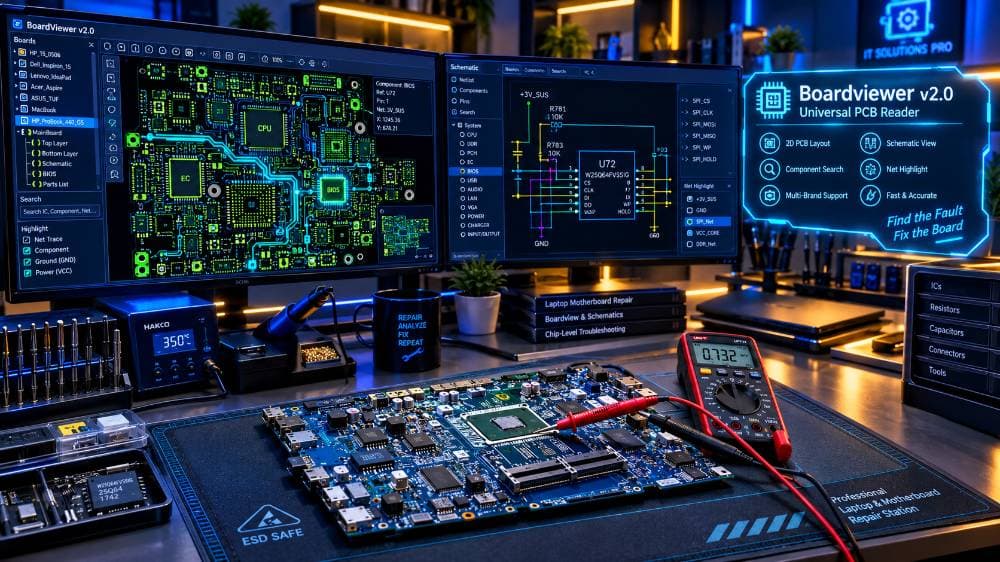
Are you a laptop, desktop, or smartphone motherboard repair technician? **Boardviewer** is an indispensable, lightweight software tool designed to open and inspect electronic boardview files. When diagnosing motherboard short circuits, broken trace lines, missing component values, or pinout connections, schematic diagrams alone are not enough. Boardviewer provides an interactive 2D visual layout of the PCB, allowing you to zoom in on components, search net names (like VCC, GND, VIN), and trace circuit paths directly to CPU, GPU, or RAM chips. Download the official, portable, 100% free **Boardviewer software latest version** for Windows 7, 8, 10, and Windows 11 (32-bit & 64-bit). --- ### Key Features of Boardviewer Software: * **Universal File Support:** Opens almost all major schematic boardview file extensions in one single application. * **Interactive Component Search:** Instantly locate resistors, capacitors, ICs, diodes, and test points by typing their designation (e.g., PR401, PU101, PL301). * **Net Tracing:** Click any pin or pad to highlight all interconnected copper traces across the entire motherboard layers. * **Flip & Rotate View:** Smoothly rotate 90/180 degrees and flip between the Top and Bottom sides of the PCB. * **Lightweight & Portable:** No complicated installation needed. Just extract the zip file and double-click to run! --- ### Supported Boardview File Formats: Boardviewer supports a wide variety of schematic software formats, including: * **.BRD** (Allegro, Eagle, Boardview) * **.FZ** (ASUS PCB Boardview) * **.CAD** (Fabmaster / Test Research) * **.BDV** (Compal / Quanta Boardview) * **.TVW** (Pegatron / Foxconn Boardview) * **.CST / .CST2** (Dell / HP Boardview) * **.ASC** (GenRAD Boardview) * **.GR** (GigaByte Boardview) --- ### How to Use Boardviewer Tool (Step-by-Step): 1. Download the **Boardviewer latest version zip file** below. 2. Extract the ZIP package to your desktop or USB drive. 3. Open the folder and double-click **Boardviewer.exe** (No installation required). 4. Click on **File -> Open** (or press Ctrl + O). 5. Select your motherboard boardview file (`.fz`, `.cad`, `.brd`, etc.) and click **Open**. 6. Use your mouse scroll wheel to zoom into IC pins, right-click to flip sides, and use the search bar to locate shorted components instantly! Download the clean, 100% working **Boardviewer software zip file** below and accelerate your motherboard repair process!
 Repair Tools
RT809F Software Download Free (Latest Full Setup & Driver)
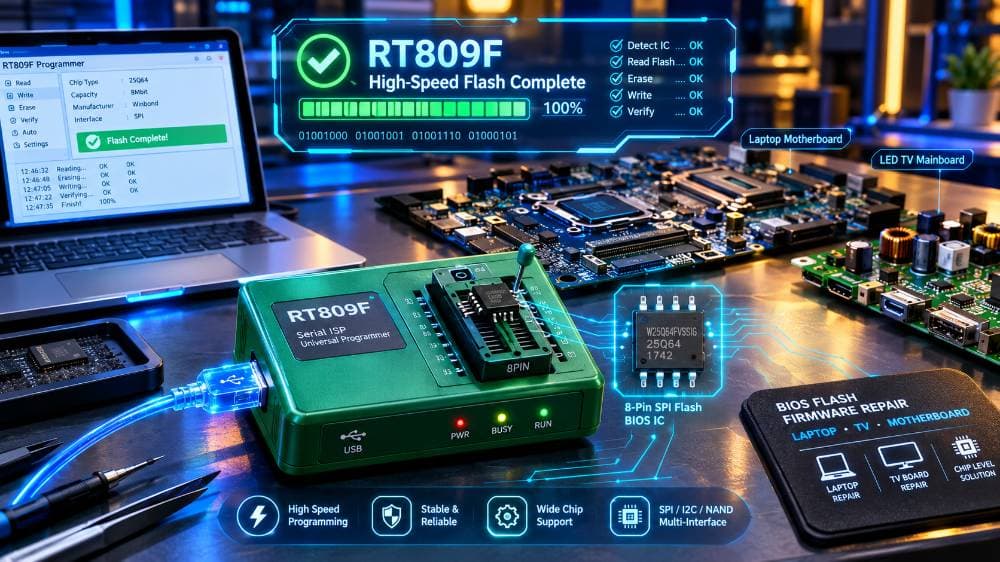
Looking for the official, verified **RT809F Serial ISP Programmer software** and driver full setup? The RT809F is one of the fastest, most reliable universal programmer devices used by TV, laptop, desktop, monitor, and printer chip-level repair technicians. Whether you are flashing LED/LCD TV firmware via VGA/HDMI ISP ports or writing 24/25 series SPI Flash BIOS ICs, the **RT809F software** provides automated chip identification, high-speed read/write capabilities, and error-free checksum verification. Download the 100% clean, virus-free **RT809F software full setup zip file** below for Windows 7, 8, 10, and Windows 11 (32-bit & 64-bit). --- ### Key Features of RT809F Programmer Software: * **Automated Chip Detection:** Automatically identifies 24, 25, 93, 95 series EEPROM and SPI Flash memory ICs. * **VGA & HDMI ISP Support:** Read and write LCD/LED TV firmware without opening the TV casing. * **Ultra-Fast Speed:** Reads a 64M-bit SPI Flash IC in under 12 seconds and writes in under 18 seconds. * **EC MCU Programming:** Supports ITE, ENE, NUVOTON laptop Embedded Controller (EC) BIOS chip programming. * **Self-Diagnostic Test:** Built-in hardware testing to check pin contact quality and cable connections. * **Multi-Language Support:** Available in English, Chinese, Russian, and Spanish interfaces. --- ### Supported IC Types: * **24 Series:** 24C01 to 24C1024 EEPROM ICs * **25 Series:** 25Q16, 25Q32, 25Q64, 25Q128 SPI Flash ICs (Winbond, MXIC, GigaDevice, Spansion) * **93/95 Series:** MicroWire & SPI EEPROM ICs * **MCU & TV Controller Chips:** Novatek, MSTAR, Realtek, TSUM TV mainboard processors --- ### How to Install RT809F Software on Windows (Step-by-Step): 1. Download and extract the **RT809F software full setup zip file**. 2. Turn OFF your Windows Antivirus temporarily to prevent driver installation blocking. 3. Open the extracted folder and run **RT809F_Setup.exe** as Administrator. 4. Follow the installation wizard and complete the software setup. 5. Connect your **RT809F USB Programmer** device to your PC using the USB cable. 6. Open Device Manager to ensure the **RT809F USB Driver** is properly recognized under Ports/USB devices. 7. Launch the RT809F software icon on your desktop, insert your IC chip into the ZIF socket, and click **Auto Find** to begin reading or programming! Download the latest verified **RT809F Programmer software and USB driver zip** below and boost your repair workshop productivity!
 Repair Tools
Canon Service Tool v3400 Free : Fix Error 5B00 & Reset Waste Ink Counter
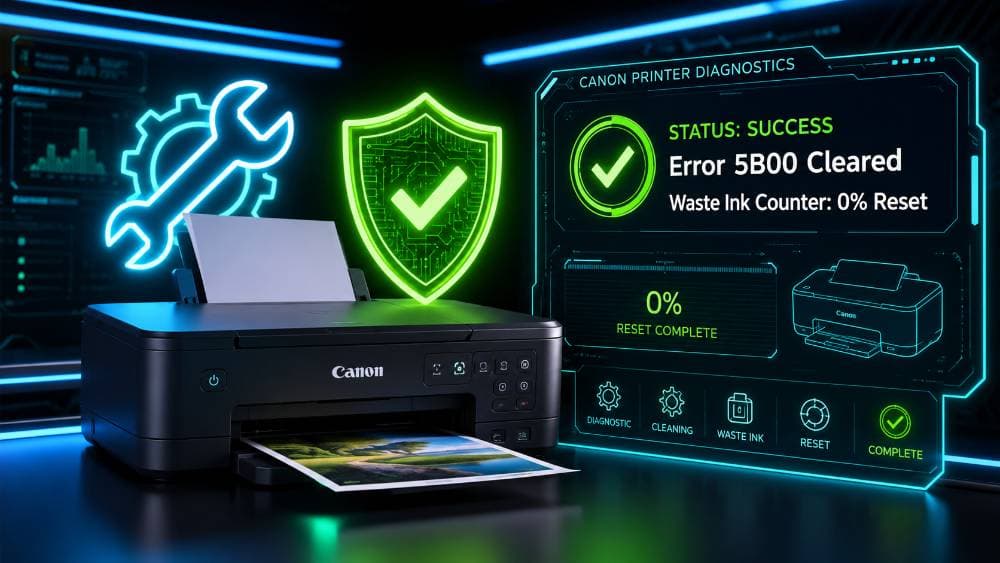
Is your Canon printer locked with a flashing orange light showing **Error Code 5B00** or **1700**? Canon Pixma printers (like G2000, G3000, iP2770, MP287) automatically halt printing once the waste ink pads reach their digital capacity limit. Instead of paying for expensive repair center services, you can easily unlock and reset your printer at home using the **Canon Service Tool v3400 Resetter Software**. This official Canon adjustment program allows Level-3 technicians and printer owners to reset waste ink counters to 0%, clear memory locks, and run deep printhead diagnostic cleaning. --- ### Key Features of Canon Service Tool v3400: * **Fix Error 5B00 & 1700:** Instantly bypass the waste ink absorber pad counter lock. * **Full EEPROM Reset:** Restore printer motherboard settings to factory default. * **Deep Printhead Cleaning:** Flush ink channels to fix missing print lines or blank pages. * **Windows Support:** Runs smoothly on Windows 7, 8, 10, and Windows 11 (32-bit & 64-bit). --- ### Supported Canon Printer Models: * **Canon Pixma G Series:** G1000, G2000, G3000, G1900, G2900, G3900 * **Canon Pixma IP Series:** iP2770, iP2700, iP3600, iP4600, iP4700, iP4870, iP4970 * **Canon Pixma MP Series:** MP230, MP250, MP280, MP287, MP490, MP540, MP550, MP620, MP640 * **Canon Pixma MX Series:** MX320, MX330, MX340, MX350, MX360, MX410, MX420, MX860, MX870 * **Canon Pixma IX Series:** iX6500, iX6560, iX6770, iX6870, iX7000 --- ### How to Reset Canon Printer via Service Mode: 1. Turn off your printer while keeping it connected to your PC via USB cable. 2. Press and hold the **Stop/Reset** button. 3. Press and hold the **Power** button. 4. Release the Stop/Reset button while continuing to hold Power. 5. Press the Stop/Reset button **5 times** (the light alternates between green and orange). 6. Release the Power button. When the green light stays solid, your printer is in **Service Mode**. 7. Open **Canon Service Tool v3400.exe**. 8. Under "Clear Ink Counter", select "Main" under **Absorber** and click **Set**. 9. Turn off your printer, turn it back on, and start printing normally! Download the verified, 100% virus-free **Canon Service Tool v3400 zip file** below to unlock your printer!
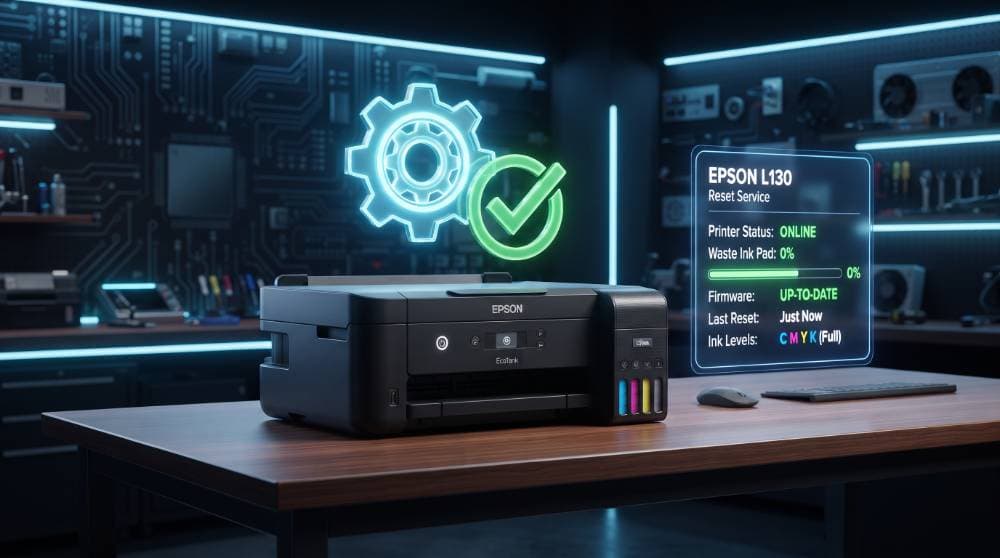
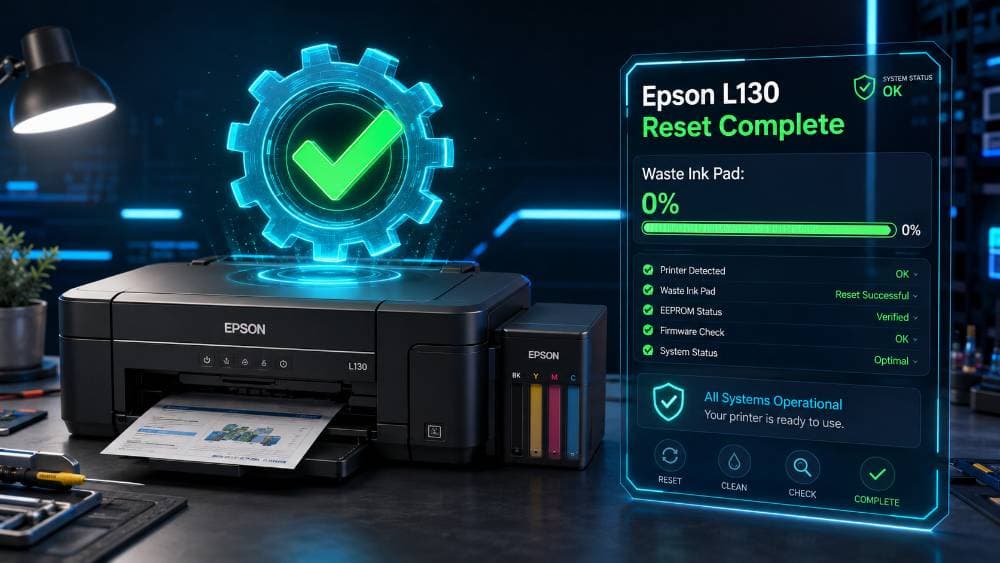
Epson L130 Resetter Free Download | Epson Adjustment Program (Waste Ink Pad Reset)
Is your Epson L130 printer showing a **"Service Required"** error message, or are the red power and paper lights flashing alternately? This issue occurs when the printer's digital **waste ink pad counter** reaches 100% capacity. To prevent ink leakage, Epson locks the printer. You can easily unlock your printer and reset the counter back to 0% at home using the **Epson L130 Resetter Software (Adjustment Program)**. You do not need to take your printer to a service center or pay for physical pad replacements. This lightweight, verified utility will reset your Epson L130 motherboard memory within seconds. --- ### Features of Epson L130 Adjustment Program: * **Reset Waste Ink Pad Counter:** Fix the 100% limit lock in one click. * **Resolve Red Light Blinking:** Instantly clear alternate red light blinking errors. * **No Serial Key Required:** 100% free download, pre-activated, and ready to use. * **All Windows Support:** Fully compatible with Windows XP, 7, 8, 10, and Windows 11 (32-bit & 64-bit). * **Printhead Diagnostics:** Run printhead cleaning, nozzle checks, and alignment calibrations. --- ### How to Reset Epson L130 Printer (Step-by-Step): Follow these simple instructions to reset your printer's waste ink pad counter: 1. Connect your Epson L130 printer to your computer using a USB cable and turn it ON. 2. Download and extract the **Epson L130 Resetter zip file**. 3. Run the **AdjProg.exe** application. 4. Click on the **Select** button, choose **L130** in the model selection, and click **OK**. 5. Click on the **Particular Adjustment Mode** button. 6. Scroll down and double-click on **Waste Ink Pad Counter** (under the Maintenance section). 7. Check the tick box next to **Main Pad Counter**. 8. Click on the **Check** button to see your current counter points and percentage. 9. Next, click on the **Initialization** button to clear the memory. 10. Click **OK** on any pop-ups, and a prompt will ask you to **"Turn Off the Printer"**. 11. Turn off your printer, click **OK**, and then turn the printer back ON. Your Epson L130 printer is now fully reset and ready to print! Download the verified, virus-free **Epson L130 Resetter adjustment program zip** below and repair your printer instantly.
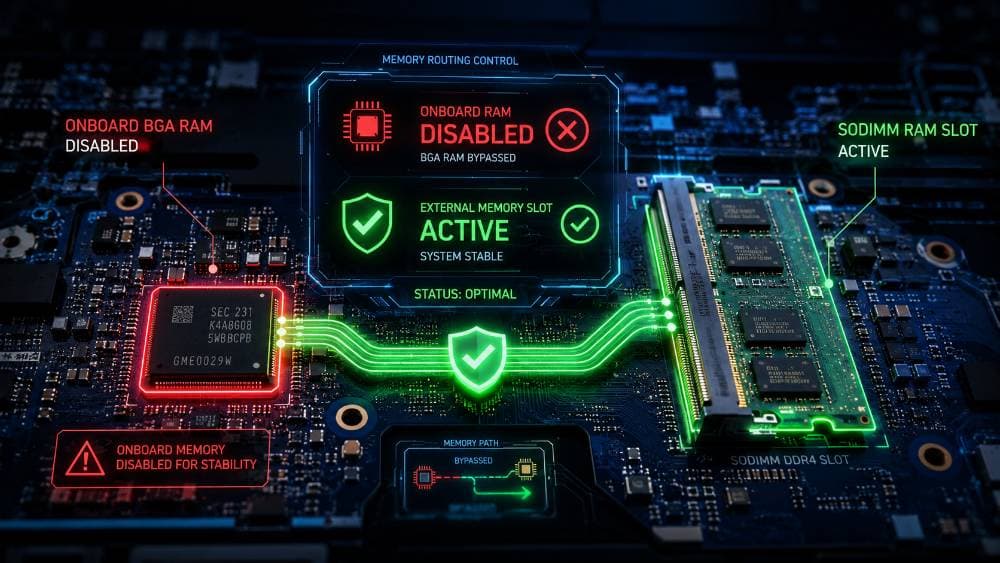
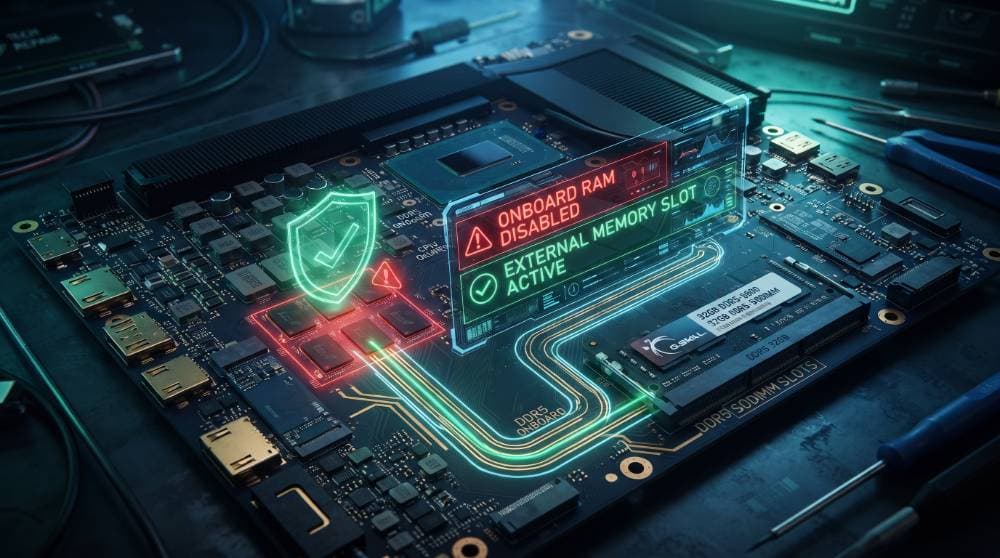
BIOS Memory SPD Removal Tool 1.6 | Laptop Onboard RAM Disable Utility (Free)
Are you troubleshooting a laptop that powers on with a black screen, power-light blinking, or memory error beep codes? Soldered onboard RAM failure is one of the most common motherboard issues on modern ultra-slim laptops. Replacing BGA RAM chips is risky and requires expensive rework equipment. The **BIOS Memory SPD Removal Tool 1.6 (RAM Disable Tool)** is the ultimate utility for Level-3 motherboard repair technicians. This software allows you to modify your BIOS binary dump (.bin) to completely disable the faulty soldered onboard memory. By patching the memory SPD configurations, the motherboard will ignore the onboard RAM and boot smoothly using a standard RAM module in the external SODIMM slot. ### Key Features: * **Onboard RAM Disabler:** Patch BIOS files to disable soldered memory chips in 1-click. * **Bypass BGA Desoldering:** Save time and eliminate the risk of damaging PCB pads with hot air. * **Fix No-Display Faults:** Solve memory-related black screen issues on Asus, Lenovo (IdeaPad/ThinkPad), HP, Acer, and Dell laptops. * **100% Free & Safe:** Tested in active workshop environments to ensure clean, reliable BIOS patches. Stop performing risky BGA repairs. Download the BIOS Memory SPD Removal Tool 1.6 for free today and fix onboard RAM issues through firmware!
 Repair Tools
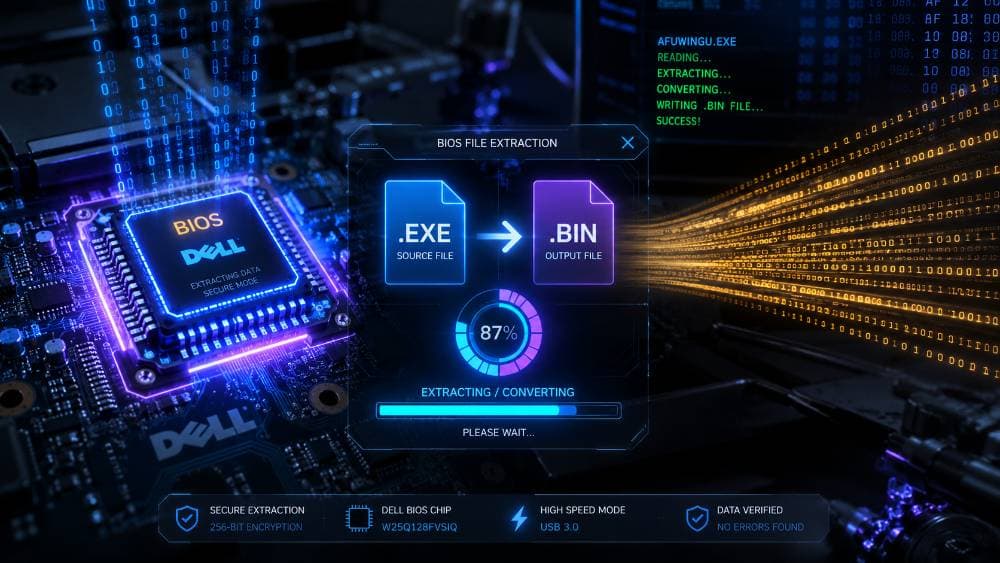
Dell BIOS Extractor Tool: Extract BIN/ROM Files from EXE Installers
Are you struggling to find verified, clean BIOS bin files for Dell motherboards? Downloading untrusted, modified dumps from random internet forums can easily brick your client's laptop. The **Dell BIOS Extractor Tool** is the definitive offline utility engineered for professional motherboard chip-level repair engineers. This lightweight tool allows you to instantly extract the raw, flashable BIOS binary (.BIN/.ROM) files directly from official Dell executable (.exe) update installers. Whether you are performing a clean-ME region flash, replacing a corrupted EEPROM chip, or troubleshooting "no display" faults, this tool is an essential addition to your repair workshop. ### Key Features: * **1-Click Extraction:** Drag and drop any official Dell .exe installer to extract the raw ROM components. * **No BIOS Bricking:** Access pure, uncorrupted official code directly from the manufacturer. * **Universal Compatibility:** Supports Dell Latitude, Inspiron, Vostro, XPS, Precision, and Alienware families. * **Level-3 Workshop Approved:** 100% clean, virus-free, and tested by expert technicians. Stop wasting hours searching the web. Download the Dell BIOS Extractor Tool today and generate clean BIOS dumps yourself!