
Repair Tools
Boardviewer Software Free Download - Latest Version
Published: September 7, 2026Downloads: 0
Article Details & Tech Notes
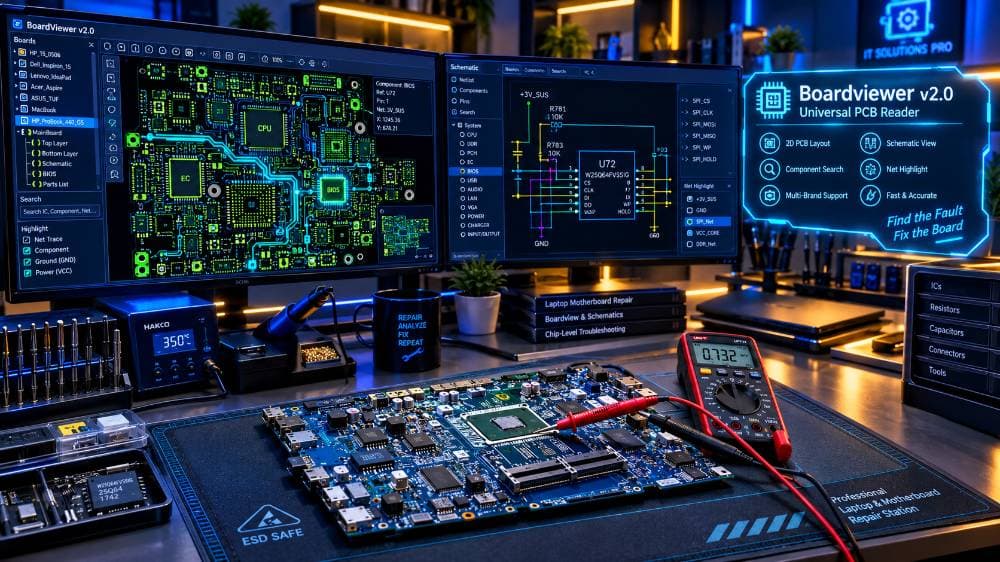
Are you a laptop, desktop, or smartphone motherboard repair technician? **Boardviewer** is an indispensable, lightweight software tool designed to open and inspect electronic boardview files.
When diagnosing motherboard short circuits, broken trace lines, missing component values, or pinout connections, schematic diagrams alone are not enough. Boardviewer provides an interactive 2D visual layout of the PCB, allowing you to zoom in on components, search net names (like VCC, GND, VIN), and trace circuit paths directly to CPU, GPU, or RAM chips.
Download the official, portable, 100% free **Boardviewer software latest version** for Windows 7, 8, 10, and Windows 11 (32-bit & 64-bit).
---
### Key Features of Boardviewer Software:
* **Universal File Support:** Opens almost all major schematic boardview file extensions in one single application.
* **Interactive Component Search:** Instantly locate resistors, capacitors, ICs, diodes, and test points by typing their designation (e.g., PR401, PU101, PL301).
* **Net Tracing:** Click any pin or pad to highlight all interconnected copper traces across the entire motherboard layers.
* **Flip & Rotate View:** Smoothly rotate 90/180 degrees and flip between the Top and Bottom sides of the PCB.
* **Lightweight & Portable:** No complicated installation needed. Just extract the zip file and double-click to run!
---
### Supported Boardview File Formats:
Boardviewer supports a wide variety of schematic software formats, including:
* **.BRD** (Allegro, Eagle, Boardview)
* **.FZ** (ASUS PCB Boardview)
* **.CAD** (Fabmaster / Test Research)
* **.BDV** (Compal / Quanta Boardview)
* **.TVW** (Pegatron / Foxconn Boardview)
* **.CST / .CST2** (Dell / HP Boardview)
* **.ASC** (GenRAD Boardview)
* **.GR** (GigaByte Boardview)
---
### How to Use Boardviewer Tool (Step-by-Step):
1. Download the **Boardviewer latest version zip file** below.
2. Extract the ZIP package to your desktop or USB drive.
3. Open the folder and double-click **Boardviewer.exe** (No installation required).
4. Click on **File -> Open** (or press Ctrl + O).
5. Select your motherboard boardview file (`.fz`, `.cad`, `.brd`, etc.) and click **Open**.
6. Use your mouse scroll wheel to zoom into IC pins, right-click to flip sides, and use the search bar to locate shorted components instantly!
Download the clean, 100% working **Boardviewer software zip file** below and accelerate your motherboard repair process!