
Store
Canon Pixma iX6770 EEPROM Bin File Download (Clean Motherboard Dump)
Published: August 28, 2026Views: 0
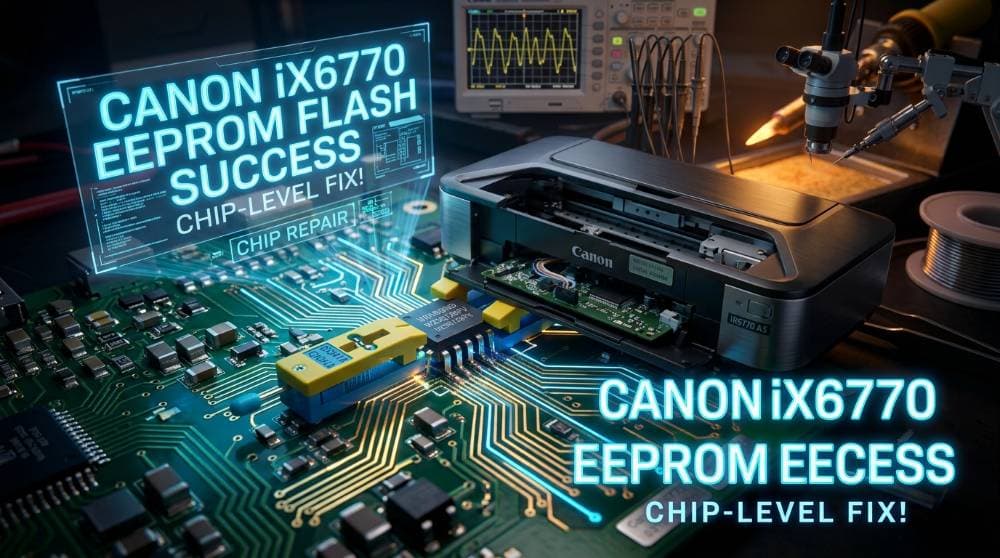
Article Details & Tech Notes
Is your Canon Pixma iX6770 A3 printer stuck in a permanent error loop, showing a blinking orange light, or failing to enter Service Mode? When software reset utilities fail to clear **Error 5B00** (Waste Ink Absorber Full) or when the printer motherboard firmware becomes corrupted, the ultimate solution is to manually flash the motherboard's EEPROM IC.
Flashing the EEPROM with a clean, verified binary dump (`.bin` file) restores the printer to its factory-default state, clearing all software locks and error codes instantly.
Here you can download a **100% working, workshop-tested Canon Pixma iX6770 EEPROM Bin file** dump for chip-level repair technicians.
---
### File Information:
* **Device Brand:** Canon
* **Device Model:** Pixma iX6770 (A3 Inkjet Printer)
* **File Format:** `.bin` (Binary Dump File)
* **EEPROM IC Code:** 24C16 / 95080 / 25Q64 (Varies by mainboard version)
* **File Size:** Compressed ZIP (under 1 MB)
* **Programmer Tested:** CH341A, RT809F, RT809H, TL866II Plus
---
### Why Flash the Canon iX6770 EEPROM?
* **Clear Permanent 5B00 Errors:** Fixes the waste ink pad error when Service Mode is locked or unreachable.
* **Resolve Motherboard Firmware Corruption:** Fixes "Power On, No Response" or constant orange blinking LED error codes.
* **Reset Printer Counter to 0%:** Safely restores print history and digital waste ink counters back to factory status.
---
### How to Flash Canon iX6770 Motherboard EEPROM IC:
*Note: This process requires chip-level soldering and an EEPROM programmer.*
1. Disassemble the Canon iX6770 printer and carefully remove the main logic board (Motherboard).
2. Locate the EEPROM IC on the motherboard (usually marked as **24C16** or a similar 8-pin EEPROM chip).
3. Use a soldering iron or hot air rework station to desolder the EEPROM chip from the PCB.
4. Insert the chip into your EEPROM programmer socket (e.g., **CH341A Programmer** or **RT809F**).
5. Open your programmer software on your PC and click **Read** to backup your original corrupted BIN file (Save it as a backup).
6. Click **Erase** to clear the chip memory.
7. Open the downloaded **Canon iX6770 clean EEPROM bin file**.
8. Click **Write/Program** and wait for the verification process to succeed.
9. Desolder the chip from the programmer socket and solder it back onto the motherboard in the correct orientation.
10. Reassemble the printer, perform a test print, and your printer will boot like brand new!
Download the verified, clean **Canon Pixma iX6770 EEPROM firmware bin file zip** below to repair your printer motherboard!