
A frequent challenge for hardware technicians diagnosing laptop charging faults is the Adapter Identification System. Especially in HP and Dell laptops, issues such as "Adapter not recognized", "Unknown AC Adapter", or the battery refusing to charge are extremely common, even when the charger is successfully providing power to the system.
These issues are usually not caused by voltage or current delivery failures. Instead, they are caused by a breakdown in the communication interface between the charger and the laptop motherboard. HP and Dell use distinct, proprietary technologies for this purpose.
In this article, we will explain the 1-Wire Adapter ID System used by Dell and the ADC (Adapter Data Communication) System used by HP, along with troubleshooting tips for motherboard repair technicians.
Why is an Adapter ID System Necessary?
Older generations of laptop power adapters only delivered raw positive and negative voltage rails. However, modern laptops need to verify the charger's characteristics—such as wattage, brand authenticity, and model—before allowing the battery to charge.
For instance, if a high-performance laptop that requires a 65W charger is connected to a low-wattage 45W charger, system performance may decrease, or battery charging may be blocked to prevent overloading the adapter.
Therefore, the adapter sends a unique identification signature to the motherboard's charging controller before power delivery is authorized.
Dell 1-Wire Adapter ID System
The standard charger identification technology used in Dell laptops is the 1-Wire communication protocol.
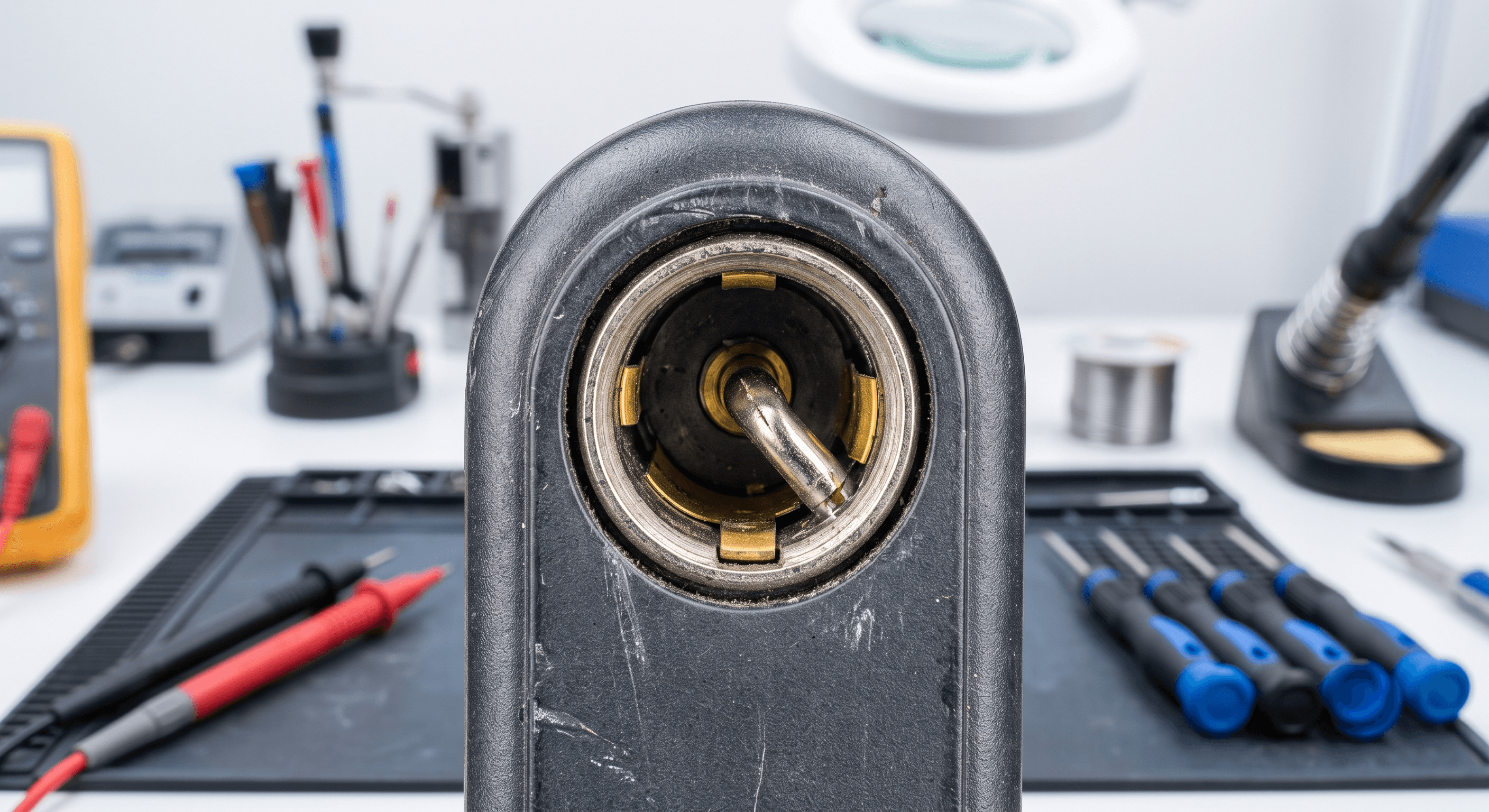
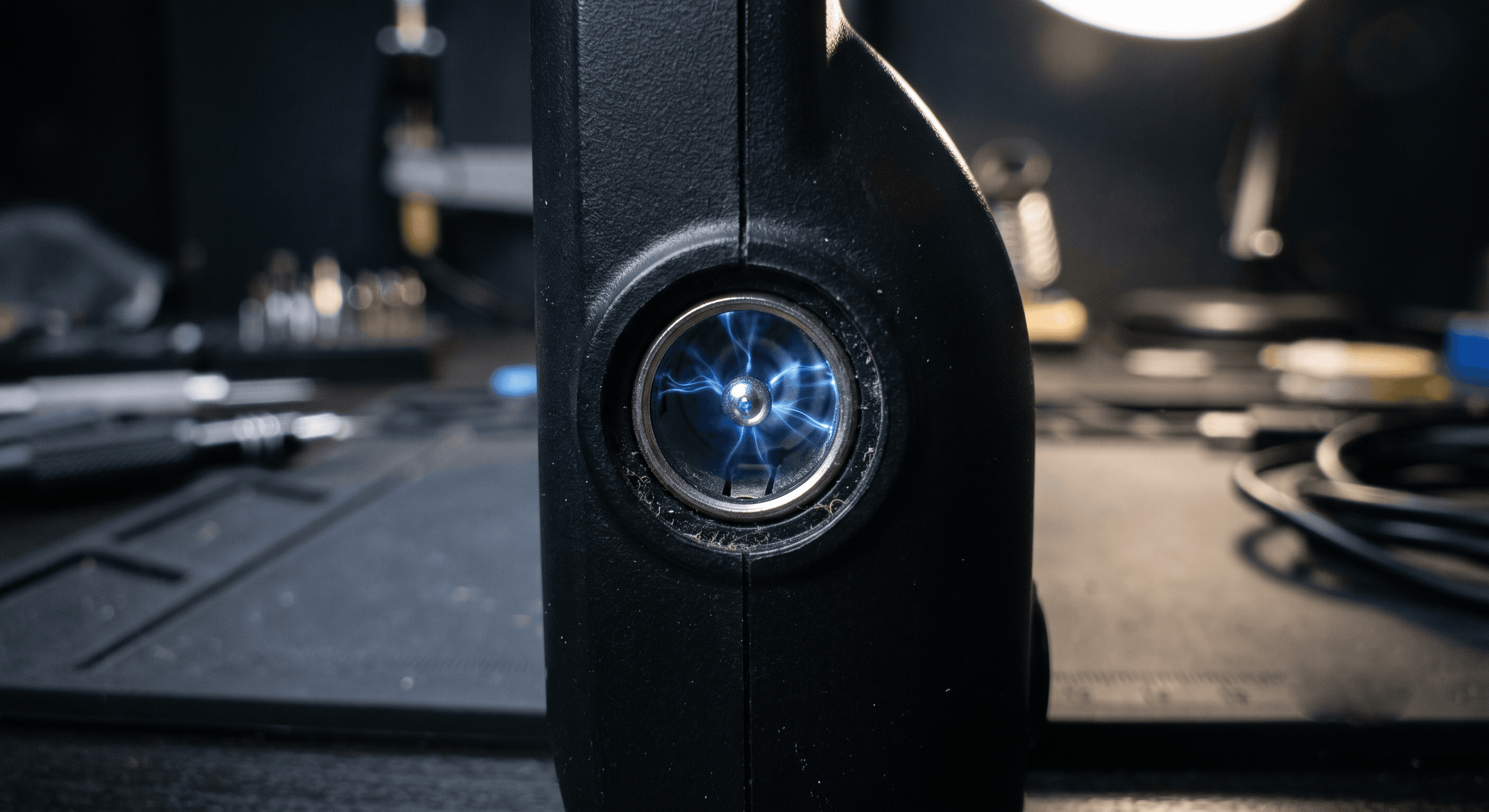
If you look closely at the tip of a Dell charger plug, you will see the outer ground sleeve, the inner positive voltage wall, and a very small metal pin in the center. The identification data is transmitted exclusively through this center pin.
This center pin is connected to a small 1-Wire EEPROM chip (typically manufactured by Dallas/Maxim) embedded inside the charger brick. When the laptop motherboard is powered on, the Embedded Controller (EC) reads the identification data stored on this chip.
This data includes:
- Charger Wattage (e.g., 45W, 65W, 90W)
- Manufacturer Information (Dell Original)
- Adapter Series and Model Type
- Hardware Compatibility Signatures
Dell Adapter ID Failure Symptoms
If the center pin is bent or broken, the wire inside the charger cable is severed, the internal EEPROM chip is fried, or the ID circuit on the motherboard is damaged, the laptop will fail to recognize the charger.
This results in the following symptoms during boot-up:
- "The AC power adapter type cannot be determined."
- "Unknown AC adapter detected."
- "The battery will not charge."
In most cases, the laptop will turn on and run on AC power, but the battery charging functionality will remain disabled.
HP Smart Adapter & ADC (Adapter Data Communication) System
The adapter identification method used in HP laptops differs from Dell's digital 1-Wire system.
HP utilizes the Adapter Data Communication (ADC) or Smart Adapter Detection system. Rather than reading a digital data stream from a chip, the motherboard typically reads an analog voltage or a specific resistance value from the charger's center pin.
The laptop motherboard measures this incoming voltage level to calculate the charger's wattage and confirm compatibility. If the voltage level on the smart pin is incorrect or missing, the system blocks battery charging.
Key Differences: HP ADC vs. Dell 1-Wire
The Dell 1-Wire system operates on a digital communication protocol, reading data blocks from a memory chip inside the charger. An oscilloscope probe on the Dell center pin will display a digital pulse signal.
The HP ADC system relies on an analog signal, using a resistor divider network inside the charger to provide a reference voltage. An oscilloscope probe on the HP center pin will show a flat analog voltage level.
Understanding these differences is crucial for selecting the right diagnostic approach during repair.
Motherboard Troubleshooting & Diagnostics for Technicians
When a laptop is not charging, measuring the main power rail (e.g., 19.5V) alone is not sufficient. Technicians must inspect the adapter ID communication lines.
For Dell Laptops
- Check center pin continuity inside the charger cable.
- Measure the adapter ID voltage line on the motherboard charging circuit.
- Test the Dallas/Maxim 1-Wire EEPROM chip inside the charger.
- Inspect the protection zener diodes and resistors in the motherboard ID circuit.
For HP Laptops
- Measure the voltage on the smart pin line under load.
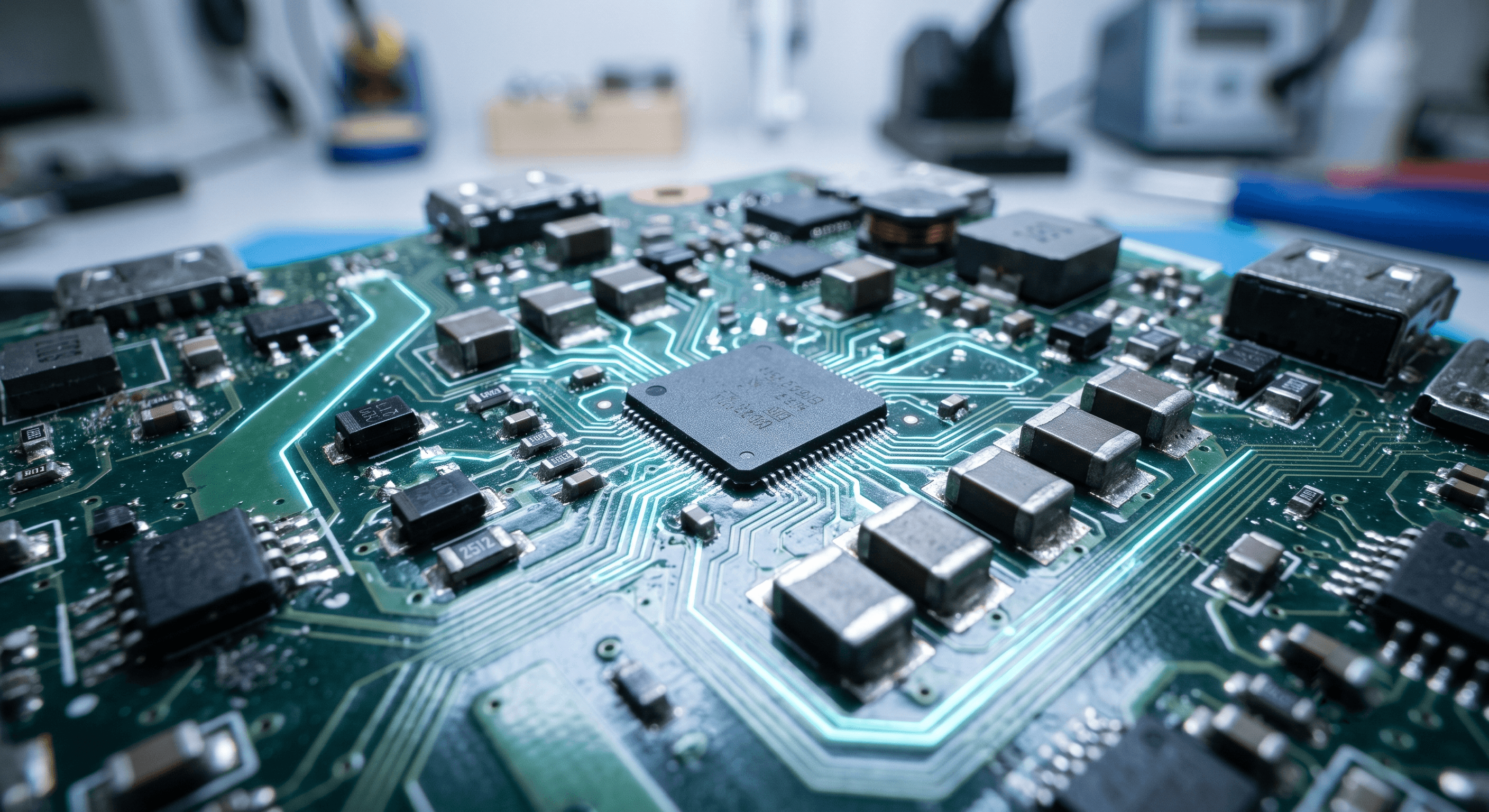
- Trace the ADC signal line to the EC (Embedded Controller) or Charging IC.
- Confirm whether the charger is an original HP product.
- Inspect the comparator/divider resistors in the motherboard input sensing circuit.
Conclusion
Although both HP and Dell laptops implement charger identification systems, their underlying engineering is completely different. Dell relies on a digital 1-Wire protocol, whereas HP uses an analog ADC detection method.
Common issues such as charging failures, battery lockout, and BIOS warning alerts are frequently caused by faults in these identification circuits. Developing a solid understanding of the adapter ID pin, center pin circuit, and charging controller framework allows technicians to quickly diagnose and repair charger-related hardware faults.