
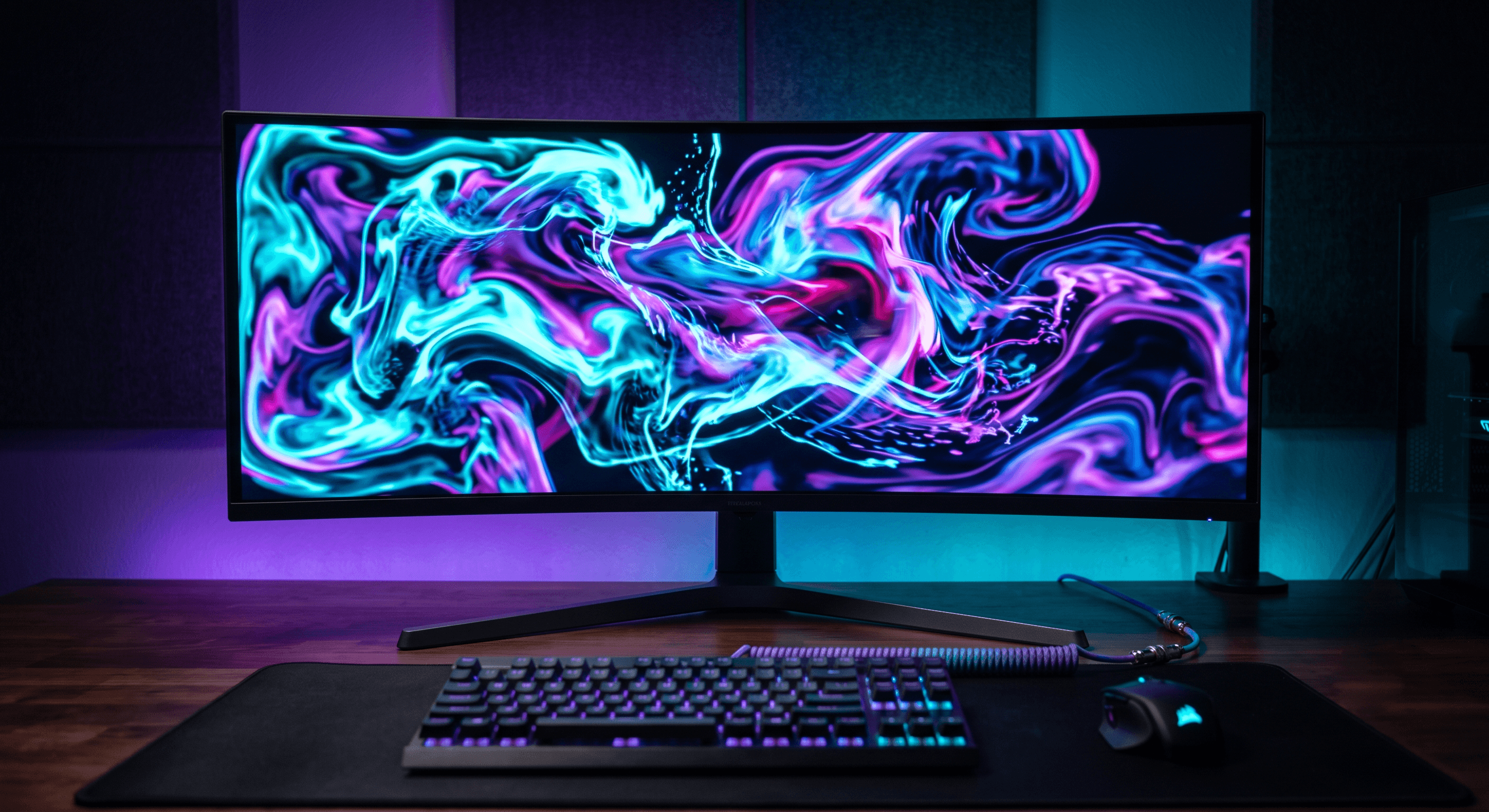
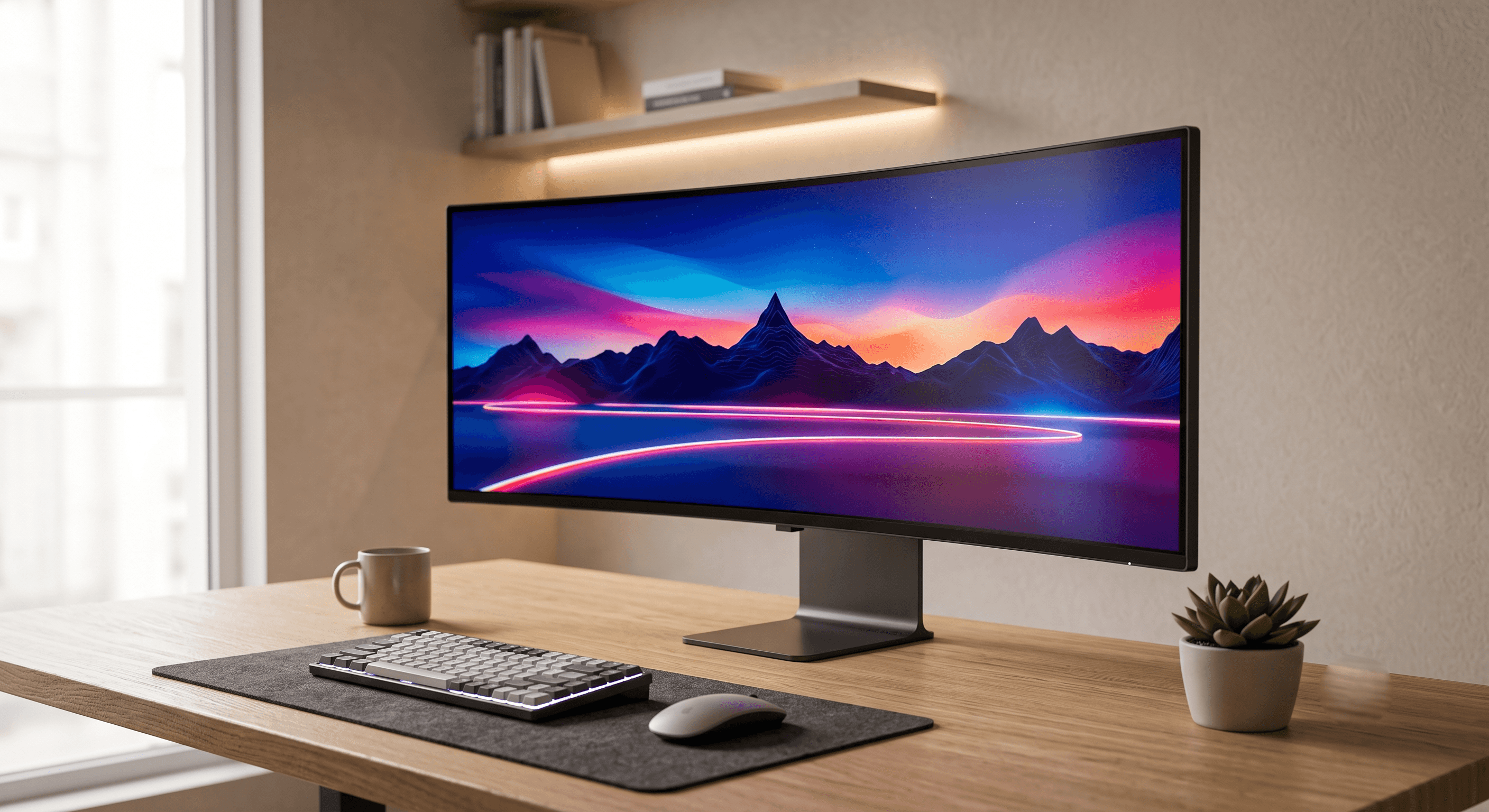
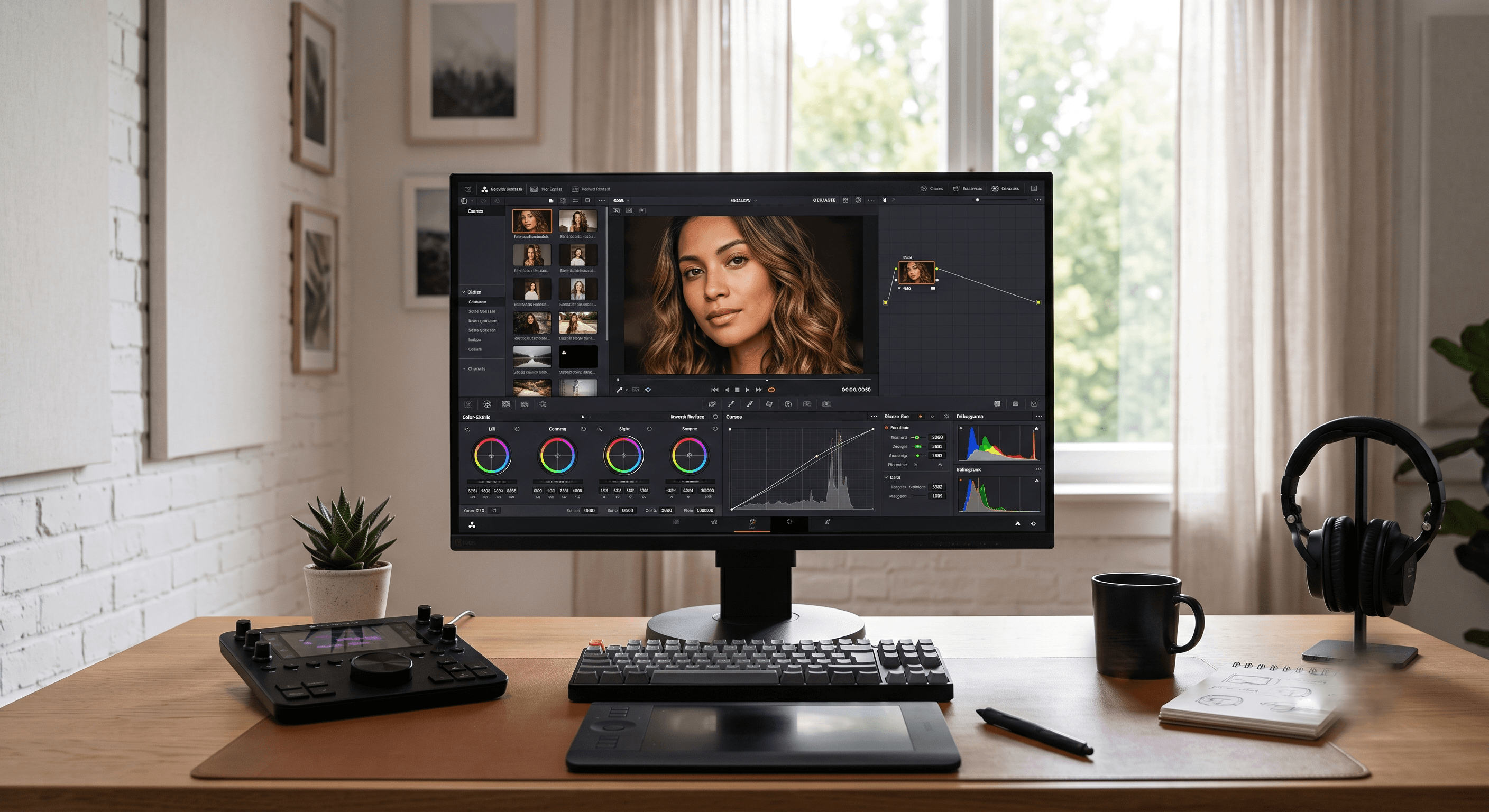
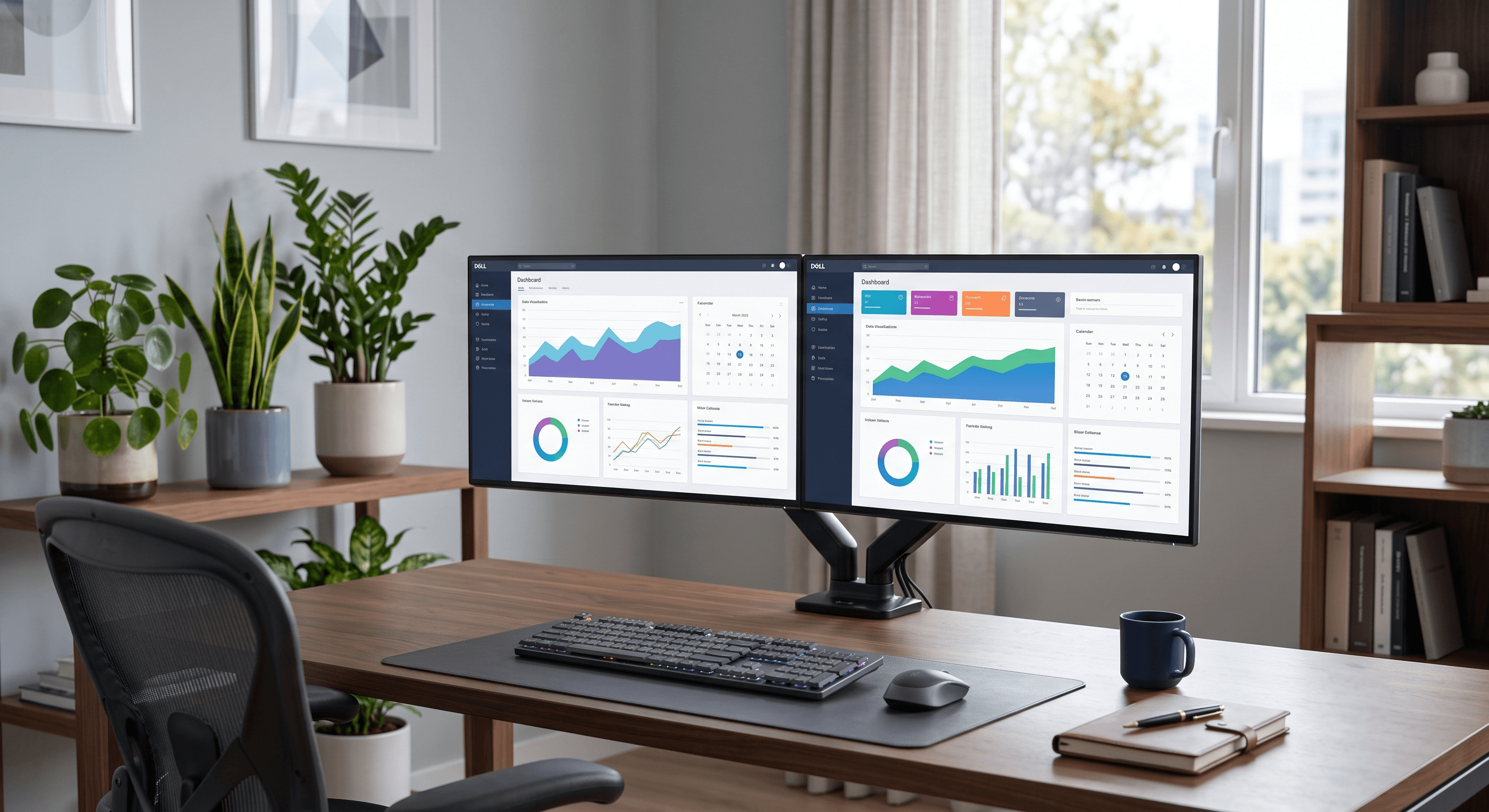
The computer monitor is one of the most important pieces of hardware, serving as the primary visual output interface of a computer system. It translates complex binary codes and digital signals processed by the GPU into viewable frames, text, video content, and images that the human eye can understand.
The digital signals sent by the GPU inside a PC are delivered to millions of tiny dots called "pixels" on the screen. All of these pixels change color and brightness to collectively make up the entire image you see. Display technology has evolved rapidly, from the massive and heavy CRT (Cathode Ray Tube) monitors of the past to the strikingly thin LCD, LED, and OLED screens in use today.
How a Monitor Works
A monitor works by converting electrical signals from the computer into visible images. This is done through several key steps:
- Data Processing and Signal Transmission: The display receives output signals from the GPU (Graphics Card) in your computer.
- Internal Controller Board: These signals are processed by the control board inside the monitor, which acts similarly to the motherboard of a computer. It routes the signals to every pixel and manages settings like color, contrast, and brightness.
- Backlight: Most LCD/LED monitors use a backlight (usually white LED lights) that shines through the display layers from behind. OLED monitors do not have a backlight; instead, each individual pixel emits its own light.
- Liquid Crystal Layer: For LCDs, the light passes through a liquid crystal layer and red, green, and blue sub-pixel filters to produce the final colors and images.
What you want to know as a technician:
When troubleshooting a monitor, keep these common failures in mind:
- Display Connectivity Issues: Black screens or flickering are often caused by faulty cables (HDMI, DisplayPort) or GPU drivers, rather than monitor hardware failure.
- Backlight Failure: If the screen is extremely dark but you can see a faint image when shining a flashlight on it, the LED backlight circuit has failed.
- Pixel Defects: Uniform color dots or dark spots are dead or stuck pixels, which are physical defects in the panel.
Architecture-Based CRT Monitors
Cathode Ray Tube (CRT) monitors were the heavy, deep displays common in televisions and computers throughout the mid- to late 2000s. Inside the vacuum tube at the rear of the monitor, an electron gun fires a beam of electrons at a screen coated with phosphors, which glow to create an image.
CRT monitors suffered from high power consumption, bulkiness, and susceptibility to magnetic interference, which distorted the colors and image shape. IBM's Extended Graphics Array (XGA) standard in 1990 achieved a resolution of 800 x 600 pixels with 16.8 million colors, representing the peak of this era before flat panels took over.
LCD (Liquid Crystal Display) Monitors
Liquid Crystal Displays replaced CRT monitors as the standard for thin, energy-efficient screens. An LCD contains a layer of liquid crystals that change their alignment when an electric charge is applied, blocking or letting light pass through.
Traditional LCDs used Cold Cathode Fluorescent Lamps (CCFL) as backlights. Because they do not use phosphors, they are much less prone to permanent screen burn-in compared to CRT and plasma displays. Their low power consumption made them ideal for battery-powered laptops and flat-panel desktop monitors.
LED (Light Emitting Diode) Monitors
LED monitors are simply a newer generation of LCD technology. Instead of using CCFL lamps, LED monitors use tiny Light Emitting Diodes as the backlight source. This enables monitors to be much thinner, brighter, and significantly more energy-efficient. Most consumer monitors sold today utilize LED backlighting.
OLED (Organic Light Emitting Diode) Monitors
OLED represents the absolute leading edge of display technology. OLED screens do not use a backlight. Instead, every pixel is made of an organic material that emits its own light when electric current is applied. Because pixels can be turned completely off, OLED monitors achieve infinite contrast ratios and perfect black levels, making them highly prized for professional photo/video editing and high-end gaming.
Panel Types (IPS / TN / VA)
There are three main types of liquid crystal alignment technologies used in modern LCD panels, each with its own performance characteristics:
- TN (Twisted Nematic) Panels: The liquid crystals twist to block light. They offer the fastest response times and are cheap to produce, but have poor viewing angles and color accuracy.
- IPS (In-Plane Switching) Panels: The liquid crystals rotate parallel to the screen. They offer outstanding color accuracy and wide viewing angles, making them the standard for graphic designers and photographers.
- VA (Vertical Alignment) Panels: The liquid crystals are aligned vertically and tilt when voltage is applied. They offer excellent contrast ratios and deep blacks, sitting in the middle ground between TN and IPS.
Three Types of Panels Explained
The choice between TN, IPS, and VA panels determines the refresh rate, color response, and contrast of your monitor:
TN Panel Pros and Cons
TN panels are cheap to manufacture and offer fast response times (often 1ms or less) and high refresh rates, making them a budget-friendly option for competitive gaming. However, their viewing angles are highly restrictive. If you view the screen from a 45-degree angle or from below, the colors shift and invert, making the image hard to see.
IPS Panel Pros and Cons
IPS panels solve the color and viewing angle issues of TN monitors. They display consistent colors even when viewed from extreme angles. Their main drawback is "IPS Glow" (a faint backlight glow visible when viewing dark images in a dark room) and slightly slower response times compared to TN panels.
VA Panel Pros and Cons
VA panels offer superior contrast ratios, allowing them to display rich, deep blacks. They are excellent for watching movies and general media consumption. However, VA panels typically suffer from slower response times, which can cause motion blur or "ghosting" in fast-paced games.
IPS vs TN vs VA: Which One To Choose?
Choosing the right panel type depends entirely on your primary activities:
For office work, spreadsheets, and budget-conscious tasks, a standard TN display is a practical, cost-effective choice. It is also favored by competitive gamers who prioritize refresh rate over image beauty.
For photo/video editing, creative design, and casual gaming with high-quality graphics, an IPS panel is highly recommended due to its color precision.
For watching movies, general entertainment, and mixed usage, a VA panel provides the best visual depth due to its excellent contrast ratio.
Ensure you connect your monitor with appropriate high-quality cables (HDMI 2.1 or DisplayPort 1.4) to support the full resolution and refresh rate capabilities of your chosen display.